Underwriter workbench
The whole policy file, on the web.
Desk, search, worklist and diary, plus the policy lifecycle: rate, bind, issue, endorse, cancel and reinstate, on IMS with the permissions your team already has there.
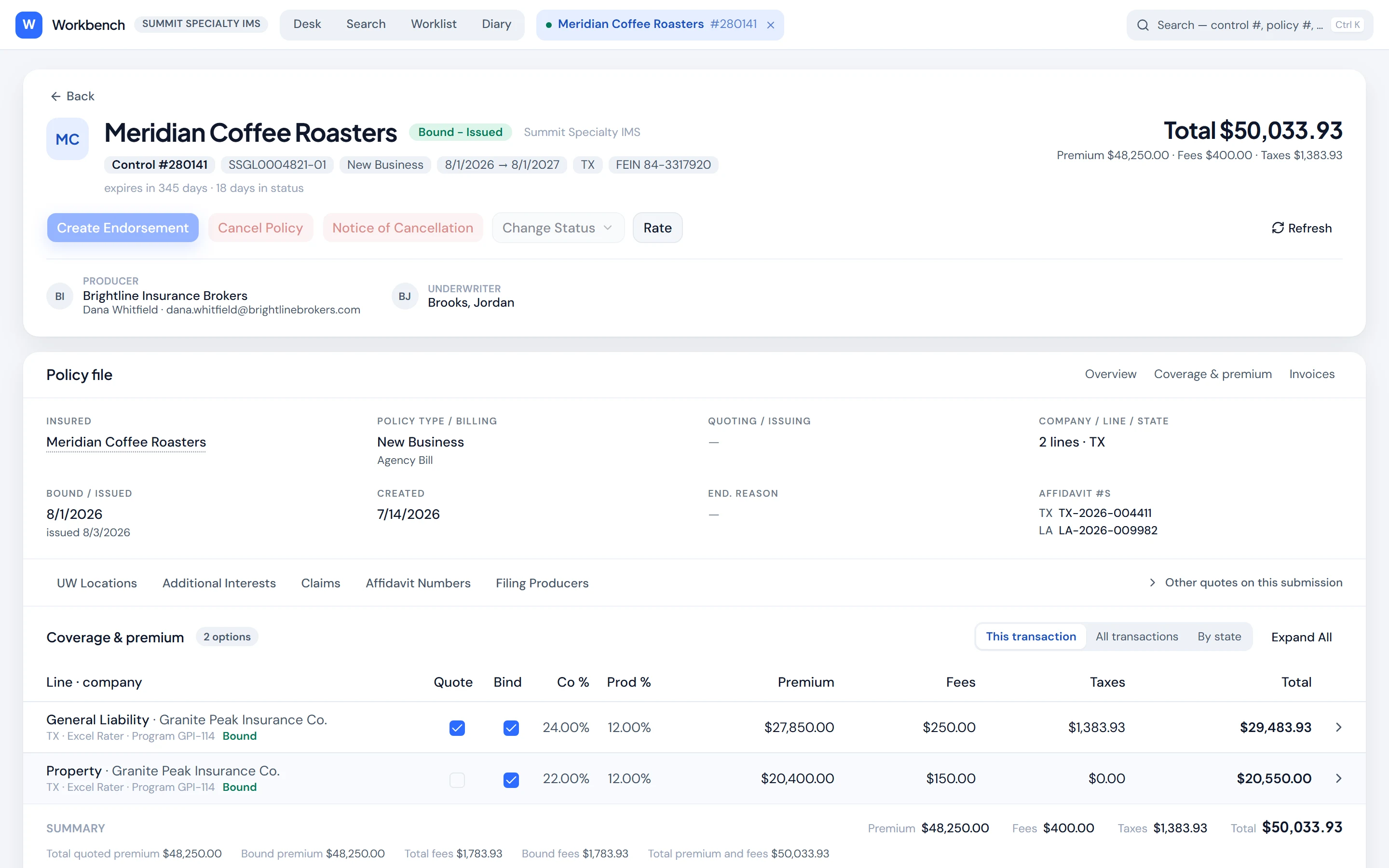
Lifecycle
Every action, one click from the file.
Each action is checked against the user’s own IMS rights. Write actions stay off until your administrator turns them on.
- Rate
- Bind
- Change status
- Issue
- Endorse
- Cancel
- Notice of cancellation
- Reinstate
- Reads limited to what the user may see
- Actions checked against existing rights
- Poh beside the file
- Desktop and phone
How it works
Find it
Search by control number, policy number, FEIN or insured name.
Work it
Premium, fees and taxes by line, documents, forms, rater, notes and history in one place.
Ask Poh beside it
Poh opens any file next to the conversation, answers questions about it, and can bind or issue from chat once you approve.
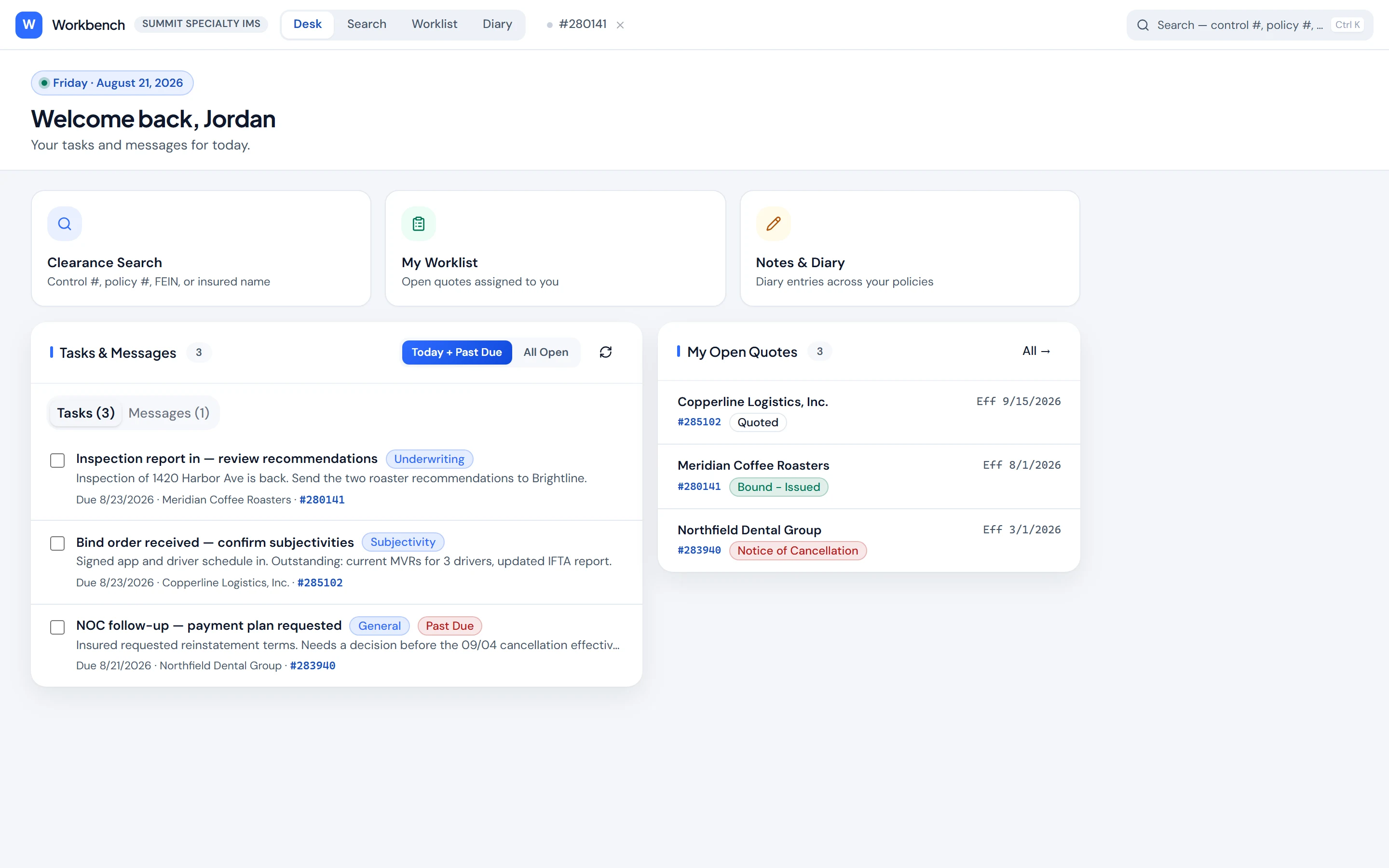
Built around the underwriter’s day
Daily desk
Tasks, messages and open quotes, today and past due.
Worklist
Your book, or a colleague’s when you cover for them.
Rater
Your Excel rater calculated inline, or NetRate’s own screen.
Documents
Browse by folder and preview without leaving the file.
Same permissions
Each action checks the right the user already has in IMS.
On a phone
Layouts built for the phone, for checks on the go.
Give your underwriters a faster desk.
We'll connect Poh to your systems and work real examples with your team.