Broker portal
Let brokers quote and bind on their own.
A branded portal at your own 42ims.com address. Brokers sign in, submit, and quote and bind within the authority you delegate, rated on your Excel rater, with submissions and binds created in IMS.
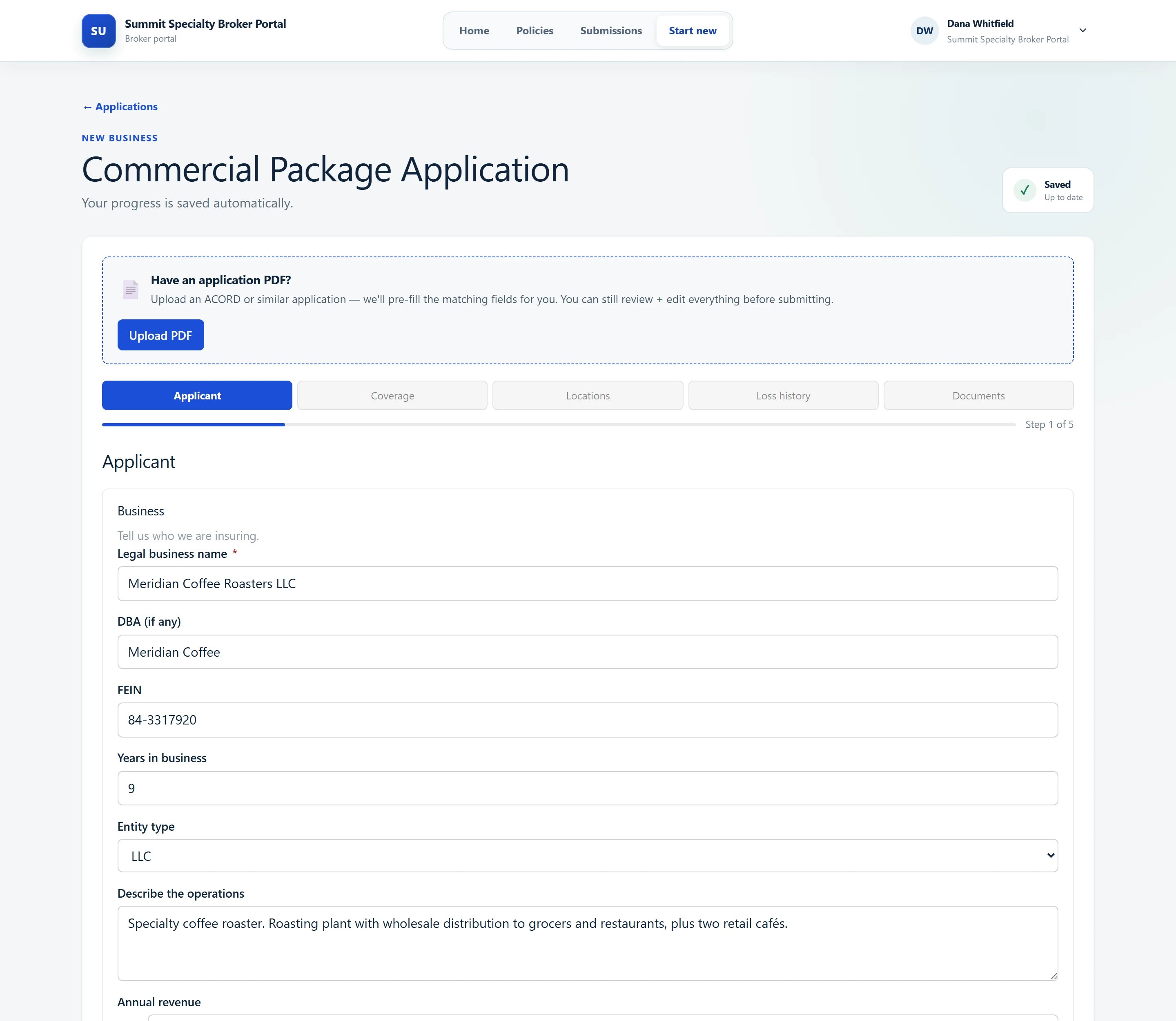
The broker’s side
Brokers sign in
With a password and an emailed one-time code, on by default for each portal.
Submit and rate
Forms built with Poh’s help, rated on your own Excel rater.
Bind and issue
Bind, issue and endorse, with documents filed to the policy’s folders.
What IMS gets, step by step.
| In the portal, the broker… | …and in IMS |
|---|---|
| Submits a new account | Insured and submission created in IMS |
| Rates the quote | Quote rated on your Excel rater |
| Binds within their authority | Bind created in IMS |
| Issues or endorses | Documents filed to the policy’s folders |
What brokers and your team get
Your brand
Your logo and colors on a portal at your own address.
Forms built from chat
Describe the intake form and Poh builds it.
OFAC screening
On by default, with endorsement re-screening set per portal.
Referral rules
Route the risks your underwriters need to see.
The broker’s book
Brokers see their own submissions and where each one stands.
Uploads scanned
Rating workbooks and broker uploads are scanned for malware.
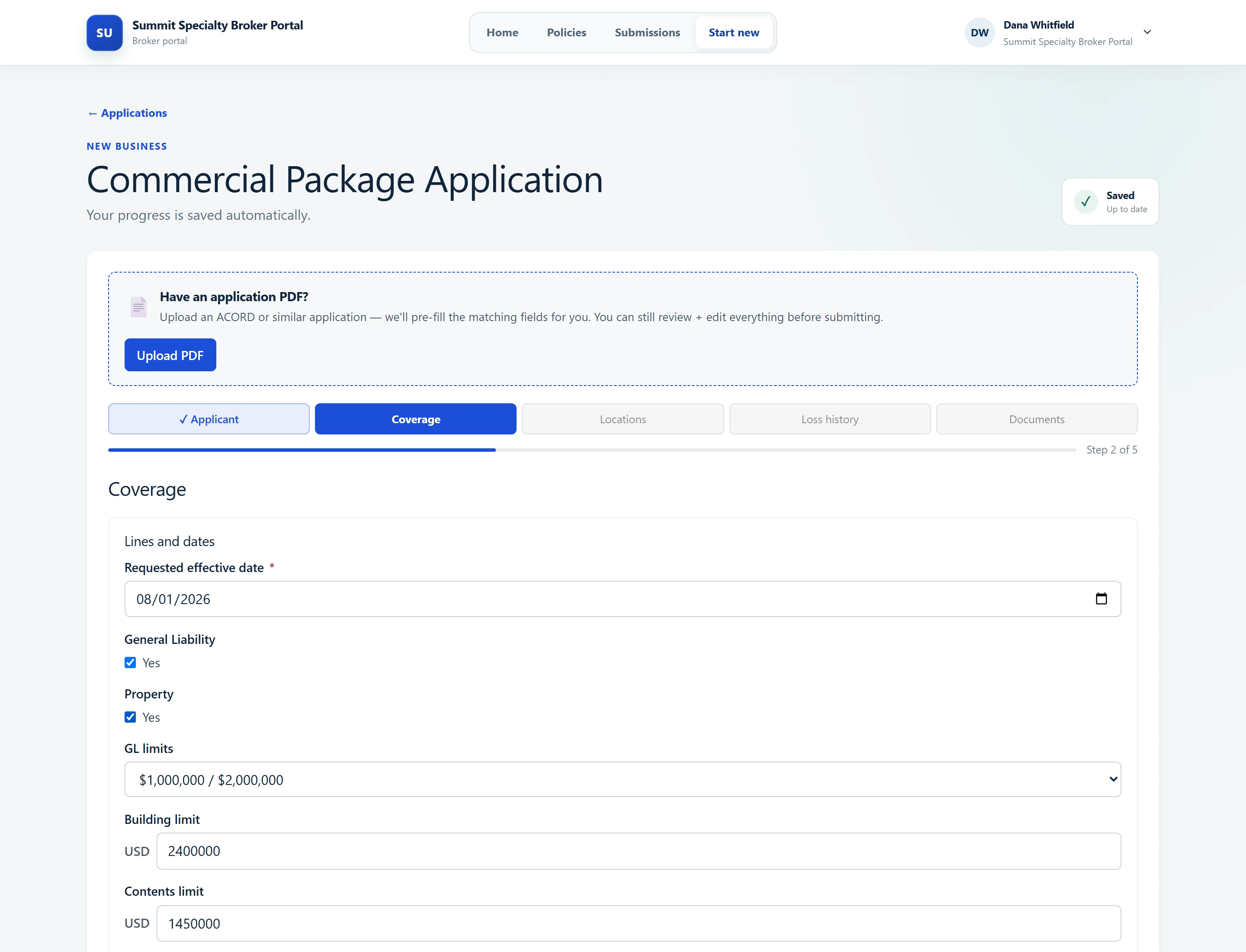
In your system
No re-keying between portal and IMS.
Insureds, submissions, quotes and binds are created in IMS as brokers work, rated on your rater, with documents filed where your team expects them.
- Rated on your own Excel rater
- OFAC screening on by default
- Rating workbooks and uploads scanned for malware
- Documents filed to policy folders
Open your book to your brokers.
We'll connect Poh to your systems and work real examples with your team.