Every email becomes work.
Connect personal and shared Microsoft 365 inboxes. New mail starts the work, attachments get read and filed, and replies are drafted for you to send, or sent from a conversation once you approve.
From inbox to done.
- 01
It arrives
A broker writes to submissions@ or to you. A rule picks it up by sender, subject or a plain-English check.
- 02
Poh reads it
The message and every attachment, PDFs, scans, Excel and Word, each scanned for malware first.
- 03
It’s filed
On IMS, the documents land in the right submission’s folder, and your pages update.
- 04
The reply waits
Drafted in Outlook for you to send, or sent from a conversation once you approve.
What happens to an email
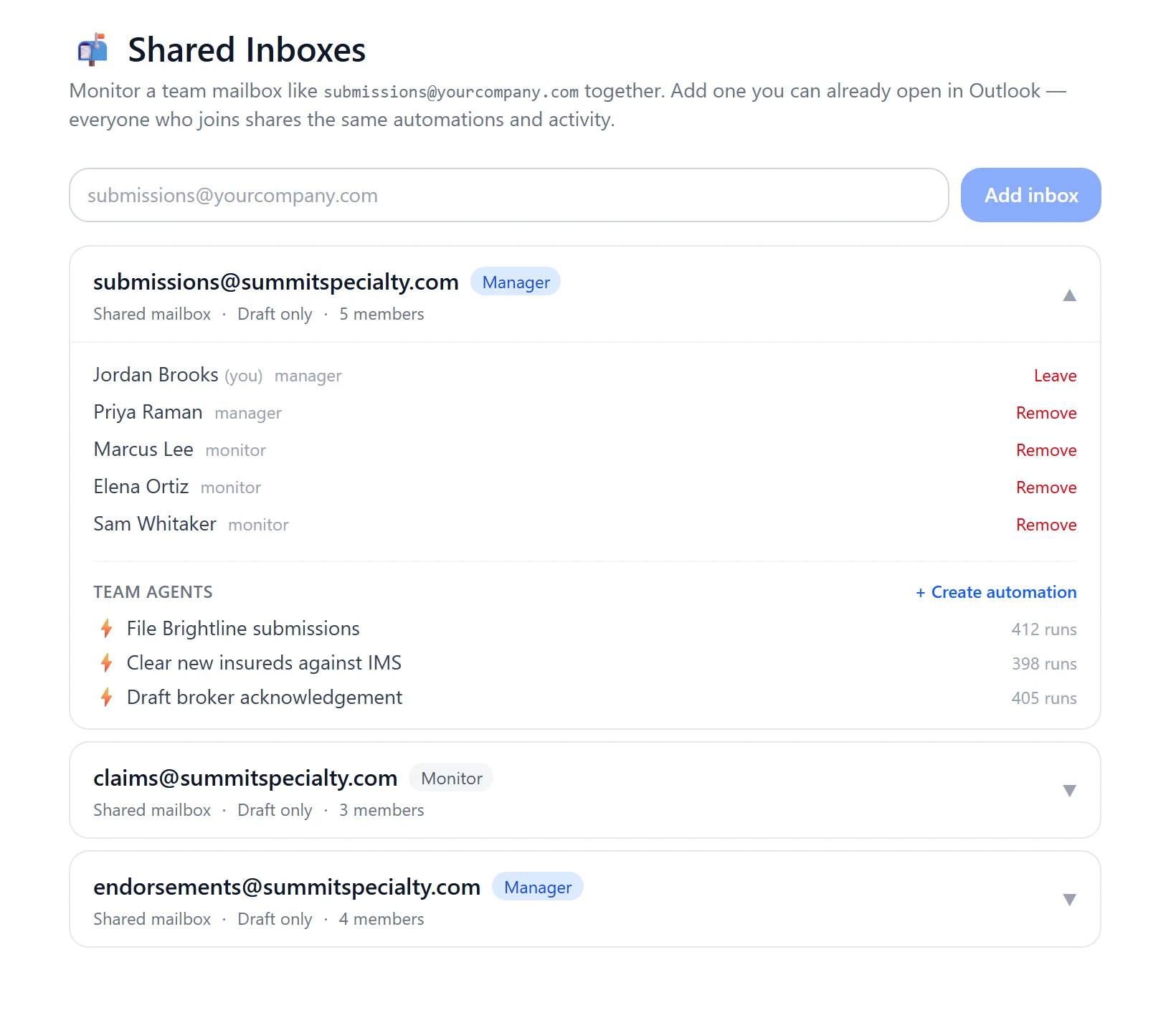
Shared inboxes
A team agent watches submissions@ and other shared mailboxes and drafts replies there for the desk.
Every attachment read
PDFs, scans, images, Excel and Word files, each scanned for malware first.
Filed to the account
On IMS, documents land in the right submission’s folder.
Replies
Saved to Outlook Drafts for you to send. In a conversation, Poh sends only after you approve.
Every run recorded
Its owner can open any run to see what started it and what Poh did.
Ask about your mail
Have Poh find, summarize and act on mail in your Inbox, Sent and other standard folders.
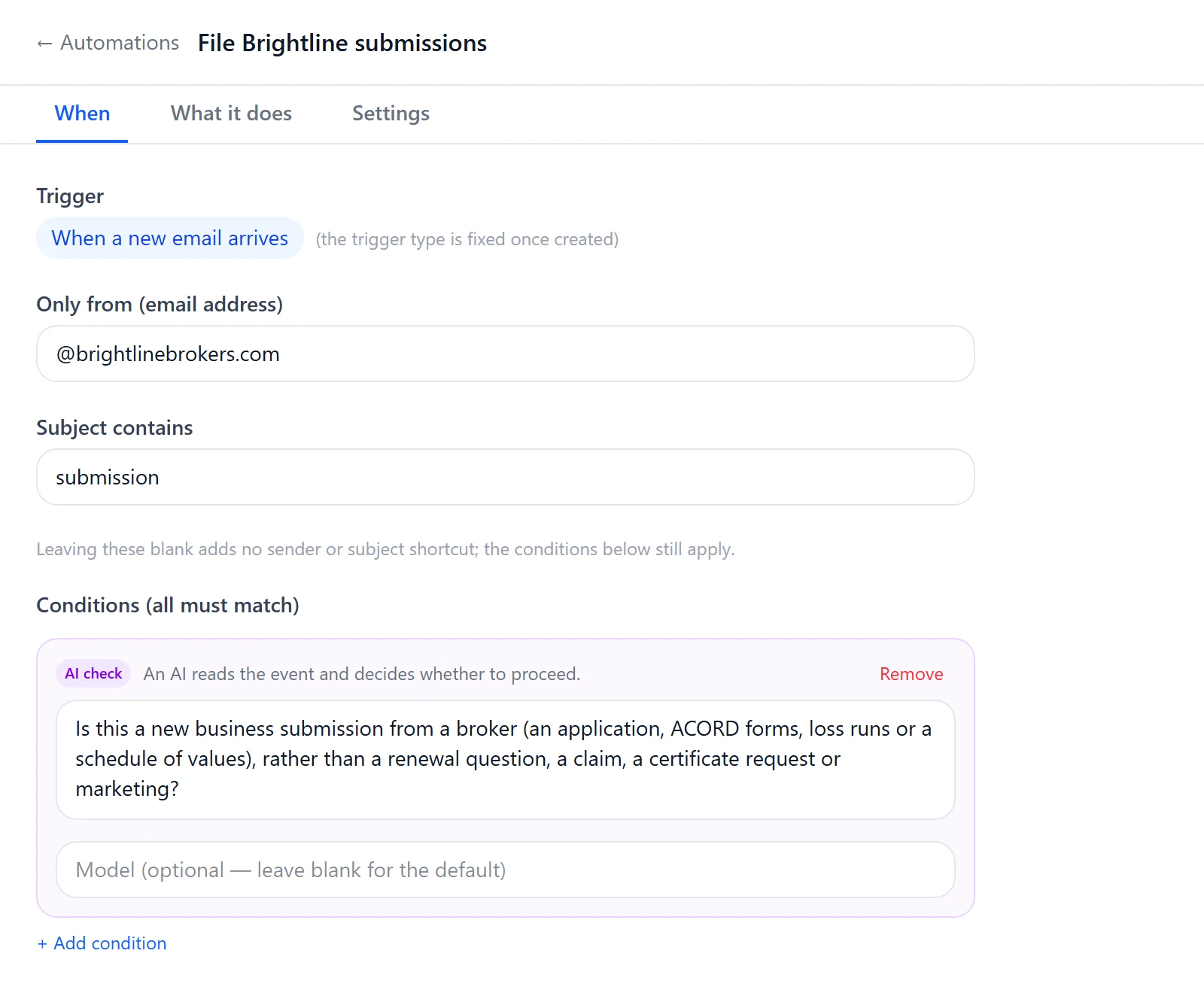
Control
Exchange decides who sees what.
Each person connects their own mailbox, and Poh only reaches the mailboxes that person can already open. Shared inboxes follow the permissions Exchange already has. Access is delegated and revocable at any time, and every action is audited.
- Delegated, revocable access
- Shared mailbox access confirmed by Microsoft
- Each message handled once
- Runs audited like any action
Bring your messiest inbox.
We'll connect Poh to your systems and work real examples with your team.